Platform Guide

Your path to the podium starts here.

ClutchArena is built for pure competition. From creating your roster to claiming your spot on the live leaderboards, understand the mechanics of our platform and prepare for your next major tournament.

Explore the Process
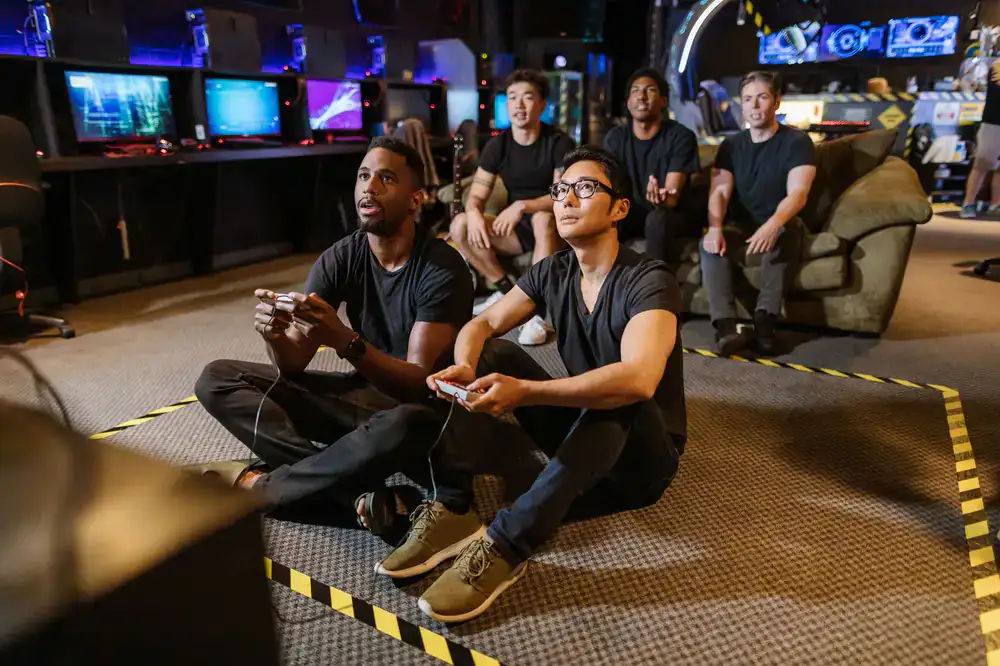
Esports competitors focusing on their screens during a tournament
Step By Step

How to compete on ClutchArena

1

Assemble Your Roster

Every great run begins with a solid foundation. Register your individual player account, verify your game handles, and form a team. Team captains can invite members via unique links, assign roles, and manage the official roster before bracket lock.

Team captain reviewing roster on screen
Digital tournament bracket advancing
2

Enter the Bracket

Browse active tournaments by game title, region, or skill tier. Once registered, your team is seeded into the competitive bracket. Match times, opponent details, and server access are automatically distributed to the captain's dashboard.

3

Play and Report

Drop into the arena and execute your strategy. After the match concludes, both teams submit final scores and evidence (screenshots or demo files) directly through the platform. Verified results immediately update the global leaderboards.

Players celebrating a match victory
The Ledger

Rules of Engagement

We maintain a strict standard for competitive integrity. Review the core tenets that govern every match hosted on our servers.

Fair Play & Anti-Cheat

All participants must run the required client-side anti-cheat software during official matches. Any detection of third-party modifications, aim assists, or unauthorized scripts results in an immediate, irreversible ban.

Roster Locks

Once a tournament bracket is generated, rosters are completely locked. No substitutions are permitted unless explicitly allowed by the specific event ruleset. Play with the team you registered.

Dispute Resolution

In the event of a scoring disagreement, teams have a 15-minute window post-match to file a dispute. Admins require unedited match recordings or server logs to render a final, binding decision.

Connectivity & Pauses

Teams are responsible for their own hardware and network stability. Tactical pauses are allowed up to 5 minutes total per half, but deliberate disconnects to avoid engagements will result in round forfeiture.

Quick Answers

Frequently Asked Questions

How do I join a tournament?

Create an account, form or join a team, and browse the active brackets to register for an upcoming event.

Are there entry fees?

Most community tournaments are free to enter, while premium Elite Series events may have specific entry requirements.

How are disputes handled?

Teams can submit evidence via the match dashboard within 15 minutes of completion for admin review.

Can I change my roster?

Rosters can be modified freely until the tournament bracket is officially locked and generated.

Get Clarification

Have a rule question?

Official Headquarters

Our admin team operates out of our main hub. For business inquiries, tournament sponsorships, or urgent platform support, use the official channels below.